Recipes for recording from a single analog source
Recording a short segment from a digital line
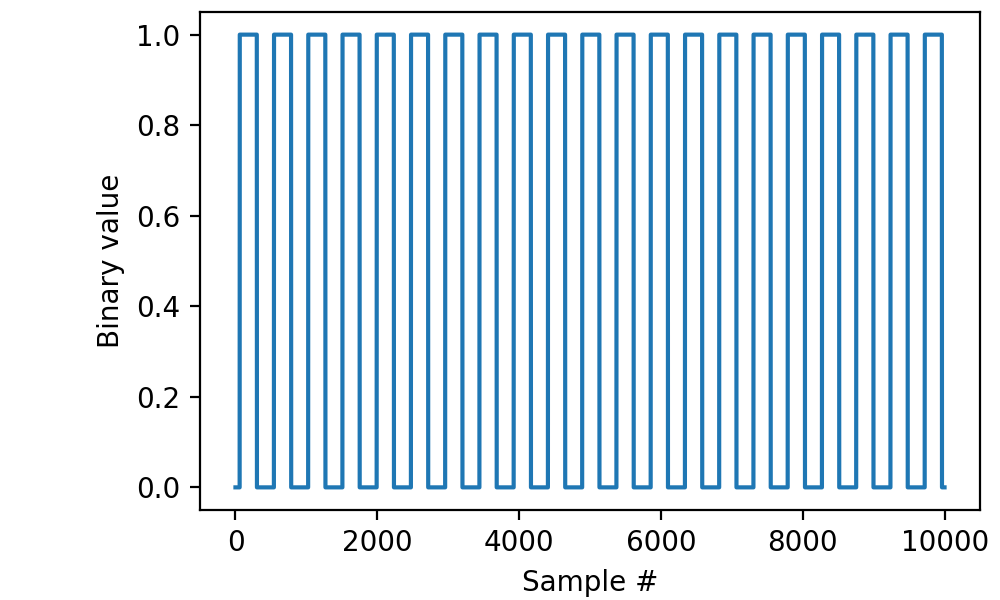
Read 200 milliseconds worth of data from line “di0” with a sampling frequency of 50 kilohertz and display the results using matplotlib:
from picodaq import *
import matplotlib.pyplot as plt

with DigitalIn(line=0, rate=50*kHz) as di:
    data = di.read(200*ms)

plt.plot(data)
plt.xlabel('Sample #')
plt.ylabel('Binary value')
Retrieving timestamps
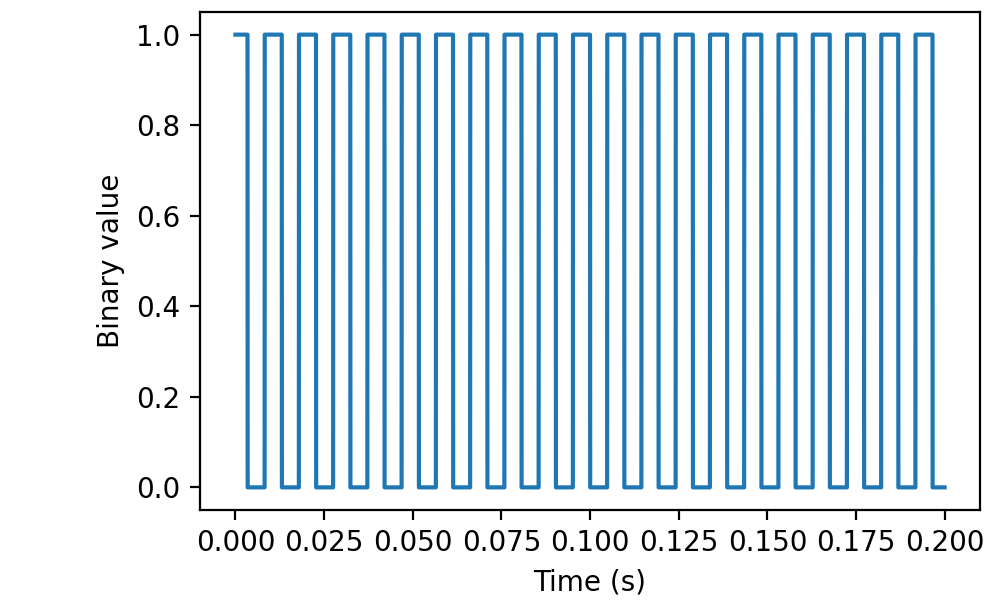
The read function can also return timestamps along with your data:
with DigitalIn(line=0, rate=50*kHz) as di:
    data, times = di.read(200*ms, times=True)

plt.plot(times, data)
plt.xlabel('Time (s)')
plt.ylabel('Binary value')
In this case, I had an approximately 100-Hz square TTL pulse train connected to the input:
Reading a short segment from two lines
Read 200 ms worth of data from channels “di0” and “di1” with a sampling frequency of 50 kilohertz and display the results using matplotlib:
with DigitalIn(lines=[0, 1], rate=50*kHz) as di:
    data = di.read(200*ms)

plt.plot(data)
plt.xlabel('Sample #')
plt.ylabel('Binary value')
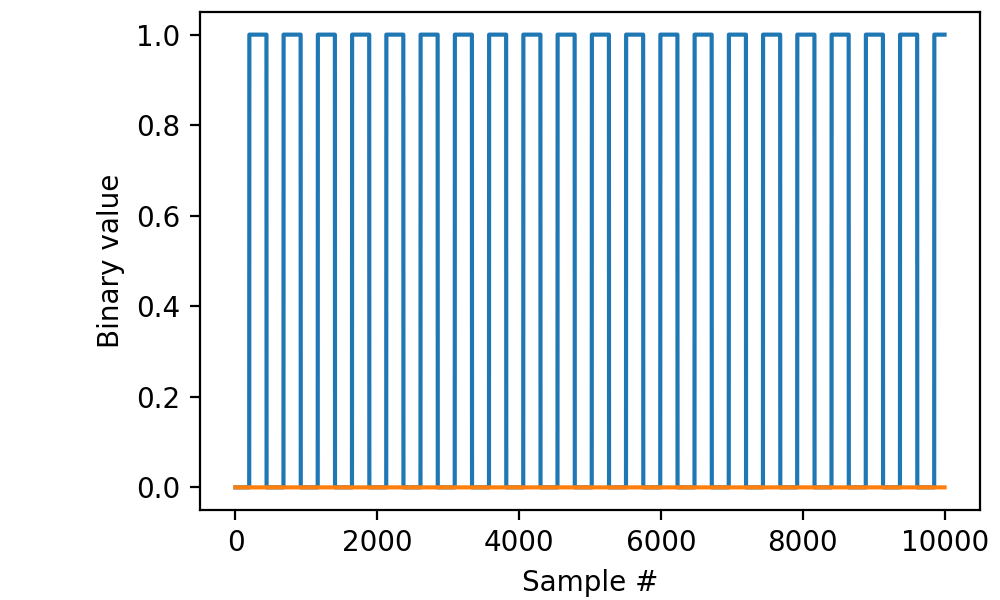
(The second line sampled a rather boring signal.)
Retrieving raw binary data
On occasion, e.g., for debugging purposes, it may be useful to retrieve raw binary data.
import numpy as np

with DigitalIn(lines=[0, 1], rate=50*kHz) as di:
    data = di.read(200*ms, raw=True)

bits = np.unpackbits(data, bitorder='little').reshape(-1, 8).T
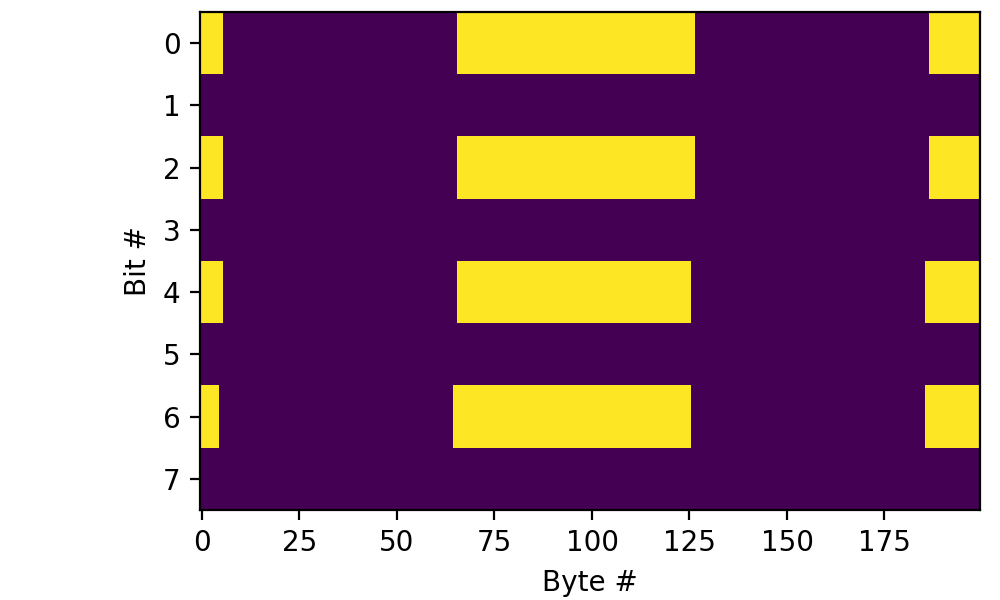
plt.imshow(bits[:,:200], aspect='auto', interpolation='none')
plt.xlabel('Byte #')
plt.ylabel('Bit #')
The result is a packed array of bytes (np.uint8) in which the bits
represent the interleaved data from all of the recorded lines. In this
case, bits 0, 2, 4, and 6 of each byte derive (in that order) from
line “di0” whereas bits 1, 3, 5, and 7 derive from line
“di1”. Plotting that with numpy and matplotlib involves a little
np.unpackbits magic, as the above code illustrates.
Of course you could extract the two lines separately using
np.unpackbits(data, bitorder='little').reshape(-1, 2).T, though at
that point you might as well call di.read(...) without the raw
parameter set to True.